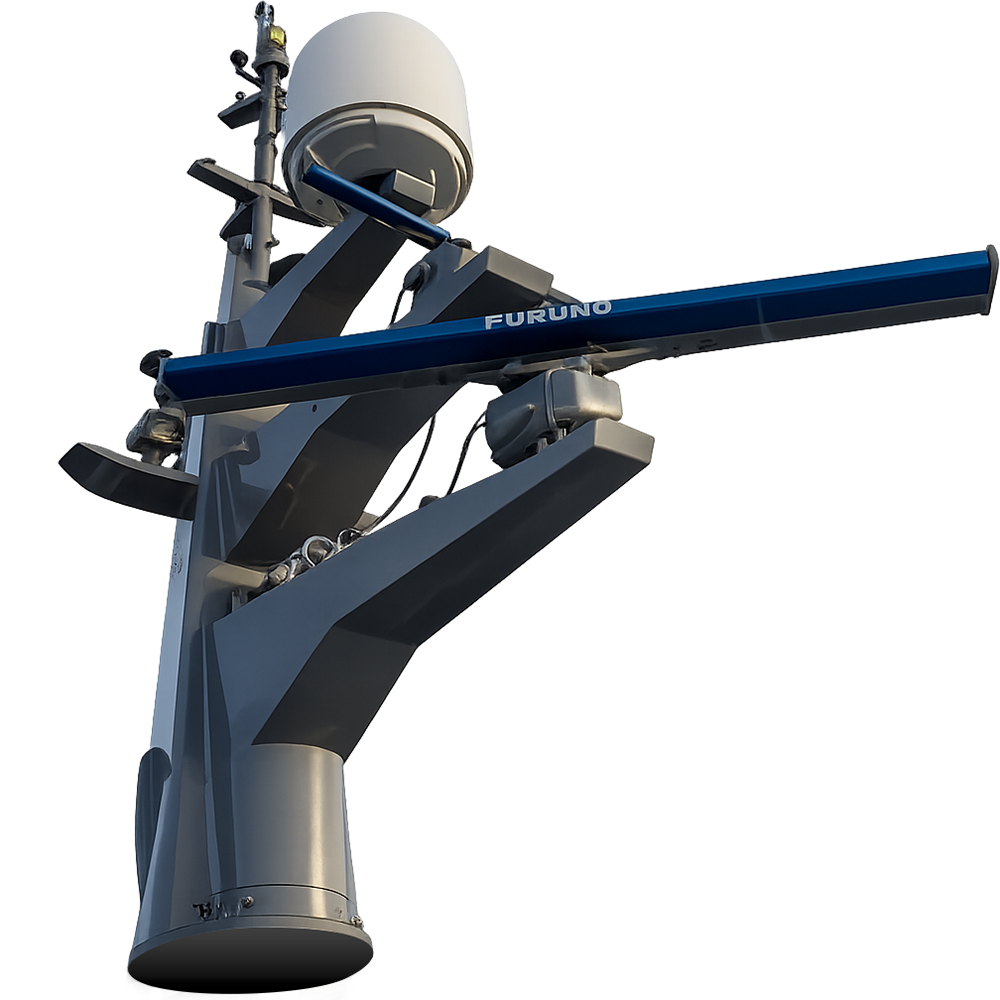
Furuno Marine Radar This course will provide you with in-depth knowledge of the Furuno FAR 22×8/23×8 Marine Radar. You will obtain a strong foundation in marine radar theory combined with learning about the specific functionalities of the Furuno FAR 22×8/23×8 Marine Radar.
Based on the requirements of the STCW Code, Table A-II/1 and Chapter VIII, Standards regarding watchkeeping, Section A-VIII/2, Part-1 – Principles to be observed in keeping navigational watch, paragraph 36.
Relevant for This course is a requirement for Master’s, Chief Mates, and Officers in charge of a navigational watch on board ships. The training is conducted using the Furuno Radar FAR 22×8/23×8 Marine Radar, but the knowledge gained is also relevant for anyone interested in learning how to operate a marine radar in general.
Course Details
Duration
16 hours
Admission recommendations
None
Technical requirements
Windows 10 or 11
Offline training The training is 100 % offline, and you can train anywhere, anytime, at your own pace. The course material is presented by our highly qualified Furuno Instructor and Master Mariner in a video format with beautiful visuals, engaging animations and illustrations.
With our offline training course you have the possibility to enter and exit the course as often as you require. And you can continue your training on another Windows based PC.
Content
Radar theory
User settings
Radar navigation
Collision avoidance
Periodic tests
Certificate
The training course includes small tests after each lesson, eliminating the need for a final, conclusive test.
Upon successful completion of your training course, you will receive a digital certificate by email within one hour.
The certificate meets regulatory requirements for manufacturer-approved, type-specific training.
The digital certificate for offline training is identical with our online training course.
Download the app:To get started download our Windows application here.
Unzip/extract the zip file: Right-click the zipped folder, select Extract All, and follow the instructions.
Install andopen the training app:Run the installer: “Radar_CBT_NXT_installer.exe.” Complete the installation and launch the app.
Insert your license key: You can copy and paste the license key or type in the key manually.
Createyour profile: Create your profile using your personal e-mail and full name. Select a location for your progress file on your PC, or on a USB flash drive (for the option to continue the course on another computer).
Start training: Get an overview and start your training in the dashboard. The course consists of 55 videos, and each chapter is concluded with a small assessment.
Get your certificate: When you have completed the course click “Verify” (requires internet access). Our system will now validate your results, and within one hour you will receive a digital certificate.
Furuno Marine Radar This course will provide you with in-depth knowledge of the Furuno FAR 22×8/23×8 Marine Radar. You will obtain a strong foundation in marine radar theory combined with learning about the specific functionalities of the Furuno FAR 22×8/23×8 Marine Radar.
Based on the requirements of the STCW Code, Table A-II/1 and Chapter VIII, Standards regarding watchkeeping, Section A-VIII/2, Part-1 – Principles to be observed in keeping navigational watch, paragraph 36.
Relevant for This course is a requirement for Master’s, Chief Mates, and Officers in charge of a navigational watch on board ships. The training is conducted using the Furuno Radar FAR 22×8/23×8 Marine Radar, but the knowledge gained is also relevant for anyone interested in learning how to operate a marine radar in general.
Course Details
Duration
16 hours
Admission recommendations
None
Technical requirements
Windows 10 or 11
Offline training The training is 100 % offline, and you can train anywhere, anytime, at your own pace. The course material is presented by our highly qualified Furuno Instructor and Master Mariner in a video format with beautiful visuals, engaging animations and illustrations.
With our offline training course you have the possibility to enter and exit the course as often as you require. And you can continue your training on another Windows based PC.
Download the app:To get started download our Windows application here.
Unzip/extract the zip file: Right-click the zipped folder, select Extract All, and follow the instructions.
Install andopen the training app:Run the installer: “Radar_CBT_NXT_installer.exe.” Complete the installation and launch the app.
Insert your license key: You can copy and paste the license key or type in the key manually.
Createyour profile: Create your profile using your personal e-mail and full name. Select a location for your progress file on your PC, or on a USB flash drive (for the option to continue the course on another computer).
Start training: Get an overview and start your training in the dashboard. The course consists of 55 videos, and each chapter is concluded with a small assessment.
Get your certificate: When you have completed the course click “Verify” (requires internet access). Our system will now validate your results, and within one hour you will receive a digital certificate.